
Ambulance cover in Australia explained

On this page
- Have you got the right cover for Ambulance?
- When Police Health pays Ambulance cover
- Is air ambulance included?
- Where you can't claim
- What to do if you get an Ambulance bill
Which Police Health cover do you need for Ambulance cover?
All Police Health cover types, Rolling Extras, Gold Hospital and Gold Combined include Australia-wide Ambulance cover*.
That means that unlike some state-based ambulance memberships, if you're interstate, you're covered.
This gives you peace of mind and helps protect you from bills of up to $1,200.
Police Health ambulance cover and ambulance membership comparison
If you have our ambulance cover, a state-based ambulance membership or combination of both, it's important to know when you can use each.
When you can use Police Health ambulance cover
Your Police Health ambulance cover is used for the following, Australia-wide;
- Emergency transport
- Clinically required non-emergency transport
- Treatment not requiring transport
Is air ambulance included?
When Police Health covers ambulance, this can be a road vehicle, boat or aircraft.
However, there may be times when you can't claim. If you have a particular example that you're not sure of, contact us on 1800 603 603.
When you can't use it
Police Health doesn't pay benefits in a range of situations, including;
- Elective ambulance transport or other non-eligible ambulance services
An example of this is when you pre-book transport between locations such as going from a hospital to a nursing home.
- When you're covered by a third-party arrangement such as a state/territory ambulance subscription
We advise you to check your state or territory's approach to ambulance cover.
What to do with an ambulance bill
If you've used an ambulance and it's met our eligibility criteria mentioned above, you don't need to pay it yourself when you get a bill.
You can claim it through the Police Health App by following the steps below.
- Obtain a copy of your ambulance invoice
- If the invoice is printed, take a photo of it. Download it if it's emailed as a PDF
- Login to the Police Health App (if you haven't already, download the app)


- Select the Claiming icon from the bottom menu

- Select Easy Claim
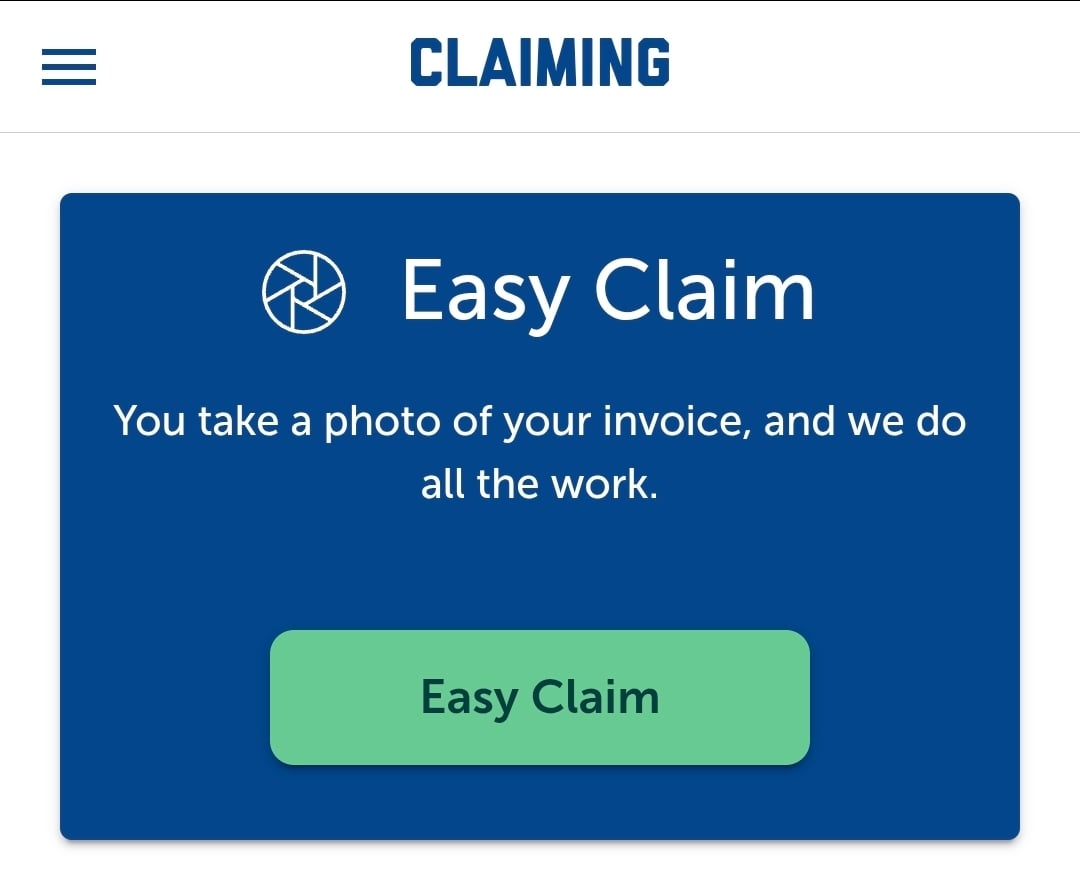
- Select Add photos
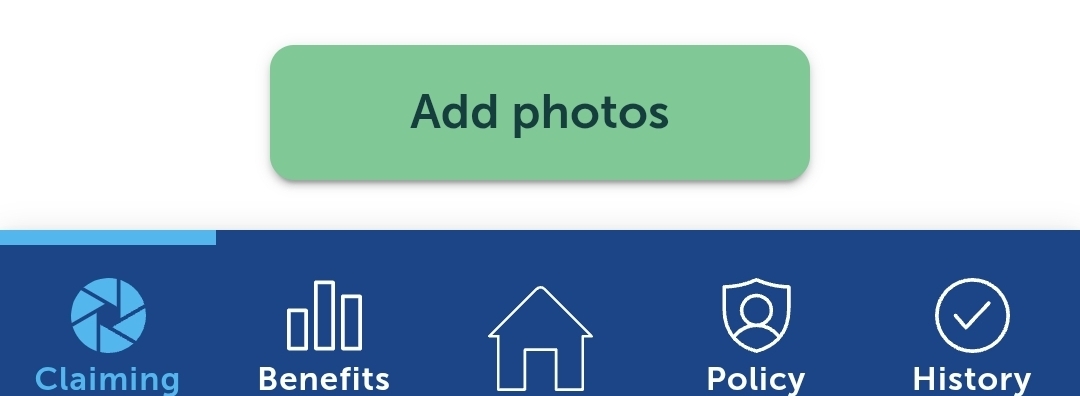
- Select whether it was or wasn't related to an inpatient hospital admission
- Select ‘Select image or PDF'
- Select from the following; Load from Library (you've already taken a photo), Use Camera (take a photo on your phone) or Select PDF
- Select that the account hasn't been paid
- Select ‘Next’
- Check your details are correct, read the terms of submitting a claim and check the checkbox

- Select submit claim
*All benefits may be subject to Waiting Periods, Limits and other conditions. Rollover applies once you’ve completed your first 12 months membership (2 years for Major Dental). Providers must be recognised by us. Review the cover tables on the Combined, Hospital and Extras pages, and your State Premium and Benefit Guide or contact us for more information.